
Creating Safe AI Systems with LangGraph: A Two-Phase Commit Guide

Introduction
If you’re looking to design AI systems that prioritize safety and control, using LangGraph can be a real advantage. This tutorial will guide you through building an agentic AI framework that employs a two-phase commit system. This approach enables you to treat reasoning and action as a transactional workflow instead of a one-off decision-making process. Let’s dive into how you can create a structured and reliable AI system.
Understanding Agentic AI with LangGraph

Agentic AI refers to systems capable of making autonomous decisions while ensuring safety and auditability. By using LangGraph, we can develop a framework that incorporates reversible changes and requires human approval at critical stages. This method not only enhances trust but also aligns AI behavior with governance requirements. Understanding the significance of agentic AI is vital, as it embodies the future of automated systems that can operate independently but still within the bounds set by human oversight.
what’s LangGraph?
LangGraph is a powerful tool that allows developers to build complex workflows for AI systems. It enables the creation of graphs that can manage complex states and transitions, making it ideal for implementing agentic functionalities. The modular nature of LangGraph enables developers to tailor their applications according to specific needs, whether for data processing, decision-making, or other AI-related tasks. For more on LangGraph, visit their official documentation.
Setting Up Your Environment
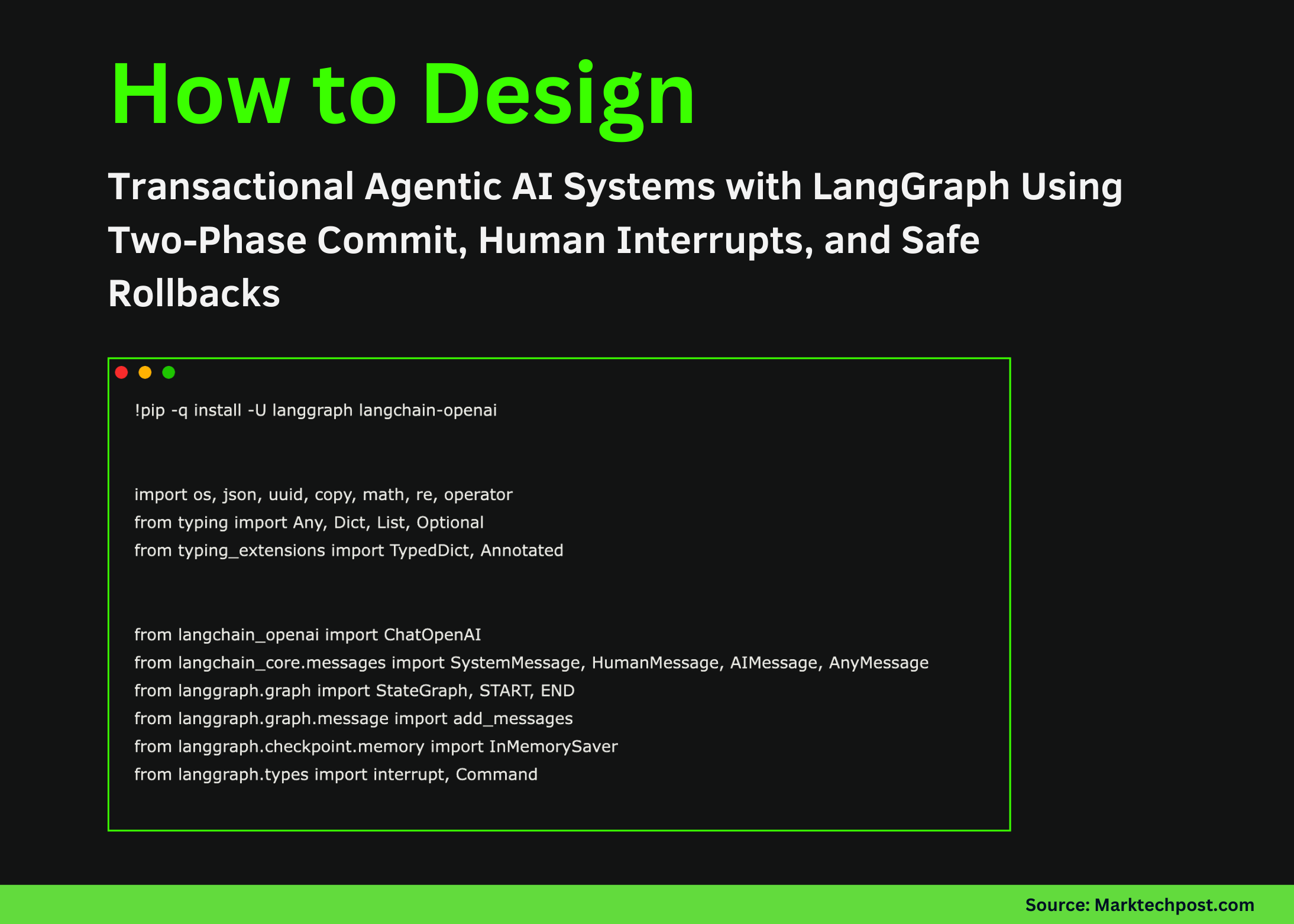
Before you start coding, you need to set up your execution environment. Install LangGraph and initialize the OpenAI model. Here’s how:
!pip -q install -U langgraph langchain-openai
import os
from langchain_openai import ChatOpenAI
Make sure to securely load your OpenAI API key and configure the model. This ensures reproducibility in your agent’s behavior. A well-configured environment sets the foundation for your development process, allowing for smoother interactions with the underlying AI models and minimizing issues that can arise from misconfigurations.
Loading the API Key
It’s critical to load your API key securely. Here’s a simple function to do just that:
def _set_env_openai():
    if os.environ.get("OPENAI_API_KEY"):
        return
    os.environ["OPENAI_API_KEY"] = getpass.getpass("Enter OPENAI_API_KEY: ")
_set_env_openai()
By using this approach, you ensure that sensitive information isn’t hardcoded into your scripts, which is a best practice in software development. This not only protects your key from unauthorized access but also allows for flexibility when deploying your application in different environments.
Building Your Transactional Framework
Next, let’s create a core ledger structure that manages transactions. This ledger will support features like patching, validation, and normalization of data. Here’s how to define your basic structure:
SAMPLE_LEDGER = [
    {"txn_id": "T001", "name": "Asha", "amount": "1,250.50"},
    {"txn_id": "T002", "name": "Ravi", "amount": "-500"}
]
This ledger serves as a foundational component of your AI system, allowing for efficient tracking and management of transactions. It’s designed to be extensible; as your application evolves, you can add more fields and functionalities to the ledger to accommodate new requirements. You might also enjoy our guide on MiniMax-M2: The Leading Open Source LLM for Enterprise Tool .
Core Functions
We need to develop functions that handle patching and validation:
- Patching: Modify transaction records based on corrections.
- Validation: Ensure transaction records adhere to expected formats.
Here’s a basic example of how to validate a ledger:
def validate(rows):
    issues = []
    for i, r in enumerate(rows):
        if _parse_amount(r.get("amount")) is None:
            issues.append(i)
    return {"ok": len(issues) == 0, "issues": issues}
Validation is a critical part of maintaining data integrity within your AI framework. It ensures that only valid and correctly formatted data enters the system, which is important for making reliable decisions based on the ledger records.
Defining the Workflow
The next step is crafting the workflow in LangGraph. Each node in your graph will represent a stage in the transaction process:
builder = StateGraph(TxnState)
builder.add_node("profile", node_profile)
builder.add_node("patch", node_patch)
After defining your nodes, connect them in a logical sequence. This allows the system to move through each stage smoothly, from profiling the transactions to applying corrections. A well-defined workflow not only enhances the clarity of the processes involved but also improves the maintainability of your code, making it easier to update and modify as necessary.

Creating Nodes
Here’s how you can define a node to profile transactions:
def node_profile(state):
    p = profile_ledger(state["raw_rows"])
    return {"messages": [AIMessage(content=json.dumps(p))]}
Each node serves a specific purpose, making the workflow modular and easier to debug. If any issues arise during execution, you can quickly identify which node is causing the problem and address it accordingly. For more tips, check out Harnessing Local AI for Enhanced Control in Programmatic Adv.
Human Interaction and Decision Making
A critical aspect of this framework is the human interaction component. Before finalizing any changes, the system should pause and request confirmation from a human user:
def node_approve(state):
    decision = interrupt({"validation": state["validation"]})
    return {"approved": decision == "approve"}
This way, you ensure that significant decisions are reviewed before being executed. Incorporating human oversight into the decision-making process helps mitigate risks associated with fully autonomous AI systems, aligning them more closely with ethical standards and accountability.
Finalizing Transactions
Once approved, the transactions can either be committed or rolled back. Here’s how to handle these actions:
def node_commit(state):
    return {"messages": [AIMessage(content="COMMITTED")]}

def node_rollback(state):
    return {"messages": [AIMessage(content="ROLLED BACK")]}
The commit and rollback mechanisms provide a safety net, allowing the system to revert to a previous state if necessary. This capability is needed in high-stakes environments where erroneous transactions can have significant consequences.
Conclusion
By following the steps outlined in this tutorial, you can create a sturdy AI system that operates with safety and governance at its core. The combination of LangGraph and a two-phase commit system allows for a structured approach to AI workflows. As you explore more, consider integrating additional functionalities or even advanced AI models to enhance your system further. The journey of implementing agentic AI is continuous, and staying updated with the latest advancements will empower you to build even more sophisticated applications.
For the complete code and implementation details, check out the LangGraph examples on GitHub.
FAQs
what’s agentic AI?
Agentic AI refers to systems that can make autonomous decisions while ensuring safety, auditability, and compliance with governance standards. This concept is becoming increasingly important as AI systems are deployed in more critical applications.
Why is human approval necessary in AI systems?
Human approval is important to ensure that critical decisions align with ethical guidelines and governance requirements, enhancing trust in AI systems. It acts as a safeguard against potential biases and errors that may arise in automated decision-making processes.
What programming languages can I use with LangGraph?
LangGraph is primarily designed for Python, making it easy to integrate with popular AI frameworks and libraries. This compatibility ensures that developers can build on existing Python skills and resources while building their AI systems.
How does a two-phase commit work?
A two-phase commit system involves staging changes, validating them, and then either committing or rolling back based on approval. This method is major for maintaining consistency and reliability in systems where multiple transactions may occur concurrently.
Where can I find more resources on LangGraph?
You can find in-depth resources and documentation on the official LangGraph website. And, engaging with community forums and discussions can provide further insights and practical examples of LangGraph applications.
You Might Also Like: Creating a Dynamic AI Architecture with LangGraph and OpenAI, New agent framework matches human-engineered AI systems — and adds zero inference cost to deploy



