
Creating a Localized Storytelling System Using Griptape and Hugging Face Models

Introduction to Localized Storytelling
If you’re looking to create a local, API-free storytelling system, you’re in the right place. In this guide, we’ll explore how to build a detailed storytelling pipeline using Griptape workflows and Hugging Face models. We’ll cover everything from setting up your environment to generating rich narratives, all without needing to connect to external APIs.
Setting Up Your Environment

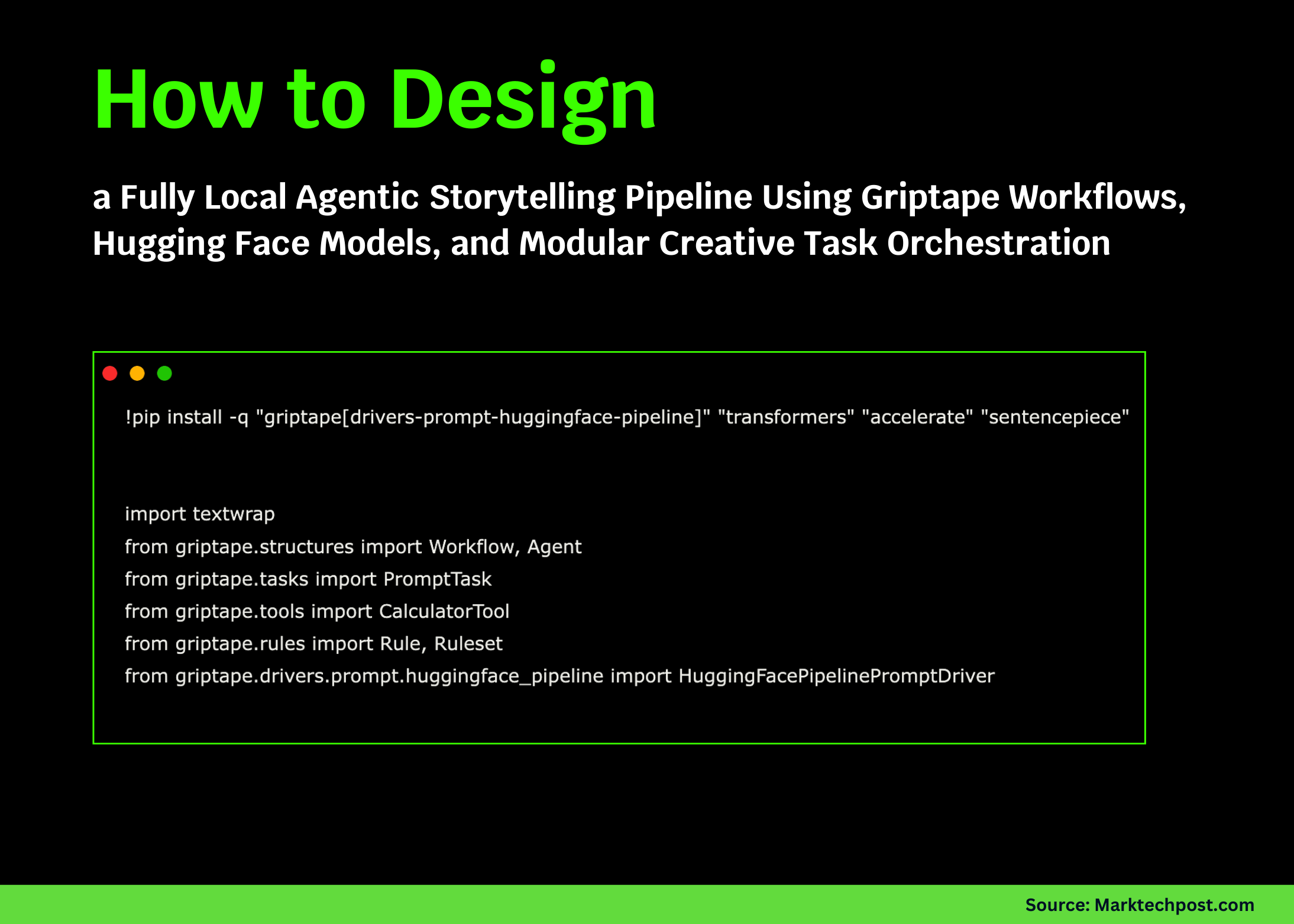
To kick things off, we need to install the necessary packages. This will set the stage for our storytelling system:
!pip install -q "griptape[drivers-prompt-huggingface-pipeline]" "transformers" "accelerate" "sentencepiece"Once the installation is complete, we can import the required modules and set up our local Hugging Face driver:
import textwrap
from griptape.structures import Workflow, Agent
from griptape.tasks import PromptTask
from griptape.tools import CalculatorTool
from griptape.rules import Rule, Ruleset
from griptape.drivers.prompt.huggingface_pipeline import HuggingFacePipelinePromptDriver

local_driver = HuggingFacePipelinePromptDriver(
   model="TinyLlama/TinyLlama-1.1B-Chat-v1.0",
   max_tokens=256,
)
This driver will allow us to run everything locally, ensuring that our storytelling system is self-contained.
Creating the Agent
Next, let’s create an agent that can perform calculations. This agent will help us validate our tool integration:
math_agent = Agent(
   prompt_driver=local_driver,
   tools=[CalculatorTool()],
)

math_response = math_agent.run(
   "Compute (37*19)/7 and explain the steps briefly."
)
Here, we’ve equipped our agent with a calculator tool. When we run it with a simple math problem, it will handle the computation and offer a natural-language explanation of the steps involved. This step is critical to ensure that our local driver functions correctly.
Displaying the Output
def show(title, content):
   print(f"\n{'='*20} {title} {'='*20}")
   print(textwrap.fill(str(content), width=100))

show("Agent + CalculatorTool", math_response.output.value)
This function formats our outputs for easy viewing, making it straightforward to follow each step in our workflow. You might also enjoy our guide on How Gulf Wealth Funds Are Shaping Bitcoin Liquidity Trends.
Building the World
Now it’s time to generate a fictional world. We can create a task to describe various aspects of this world: (CoinDesk)
world_task = PromptTask(
   input="Create a vivid fictional world using these cues: {{ args[0] }}.\nDescribe geography, culture, and conflicts in 3–5 paragraphs.",
   id="world",
   prompt_driver=local_driver,
)
This task will serve as the foundation for our story. Once we’ve our world established, we can then build characters within that context.
Character Creation
Let’s dynamically generate character tasks based on the world we create:
def character_task(task_id, name):
   return PromptTask(
       input=(
           "Based on the world below, invent a detailed character named {{ name }}.\n"
           "World description:\n{{ parent_outputs['world'] }}\n\n"
           "Describe their background, desires, flaws, and one secret."
       ),
       id=task_id,
       parent_ids=["world"],
       prompt_driver=local_driver,
       context={"name": name},
   )

scotty_task = character_task("scotty", "Scotty")
annie_task = character_task("annie", "Annie")
With this setup, we create characters that are deeply integrated with the world we’ve just built, enhancing the richness of our narrative.
Defining Story Style Rules

Before we create the final story, it’s important to define some stylistic rules:
style_ruleset = Ruleset(
   name="StoryStyle",
   rules=[
       Rule("Write in a cinematic, emotionally engaging style."),
       Rule("Avoid explicit gore or graphic violence."),
       Rule("Keep the story between 400 and 700 words."),
   ],
)
These rules will help shape the tone and structure of the story we’re about to write.
Crafting the Final Story
Now we can create the task that will weave together our world and characters into a cohesive narrative: For more tips, check out Bitcoin Holds $100K: What Lies Ahead for Altcoins?.
story_task = PromptTask(
   input=(
       "Write a complete short story using the following elements.\n\n"
       "World:\n{{ parent_outputs['world'] }}\n\n"
       "Character 1 (Scotty):\n{{ parent_outputs['scotty'] }}\n\n"
       "Character 2 (Annie):\n{{ parent_outputs['annie'] }}\n\n"
       "The story must have a clear beginning, middle, and end, with a meaningful character decision near the climax."
   ),
   id="story",
   parent_ids=["world", "scotty", "annie"],
   prompt_driver=local_driver,
   rulesets=[style_ruleset],
)
After creating the storytelling task, we’ll set up the workflow to orchestrate all components together: (Bitcoin.org)
story_workflow = Workflow(tasks=[world_task, scotty_task, annie_task, story_task])
Now, we can execute our workflow with a specific topic.
Running the Workflow
topic = "tidally locked ocean world with floating cities powered by storms"
story_workflow.run(topic)
Executing this will produce our final narrative.
Reviewing the Outputs
After running the workflow, we can retrieve and display the generated world, characters, and final story:
world_text = world_task.output.value
scotty_text = scotty_task.output.value
annie_text = annie_task.output.value
story_text = story_task.output.value
show("Generated World", world_text)
show("Character: Scotty", scotty_text)
show("Character: Annie", annie_text)
show("Final Story", story_text)
Inspecting these outputs gives us a clear view of the creativity and depth our pipeline can achieve.
Measuring Story Metrics
Finally, we can summarize our story using simple metrics:
def summarize_story(text):
   paragraphs = [p for p in text.split('\n') if p.strip()]
   length = len(text.split())
   structure_score = min(len(paragraphs), 10)
   return {
       "word_count": length,
       "paragraphs": len(paragraphs),
       "structure_score_0_to_10": structure_score,
   }

metrics = summarize_story(story_text)
show("Story Metrics", metrics)
This analysis provides insights into the structural attributes of the generated story.
Conclusion
In this tutorial, we demonstrated how to orchestrate a complete local storytelling system using Griptape. By building modular tasks, integrating rules, and executing workflows, we created a powerful narrative generation pipeline. This approach not only ensures control and flexibility but also paves the way for more advanced storytelling experiments.
For more detailed code examples and additional resources, check out the FULL CODES here. You can also explore our Twitter page for updates, and don’t forget to join our community on Telegram!
You Might Also Like


